You refresh the page at 10 a.m. just as Ludwig tweets a cryptic countdown. Fifteen minutes later, the store goes live. Your size is already gone. This isn't bad luck - it's a missed signal. In this guide, I'll show you the exact methods to get Ludwig merch drop alerts so you never miss a release again.
← Back to Blog
Ludwig Merch Drop Alerts: How to Stay Updated 2026
Never miss a Ludwig merch drop again. This guide covers the fastest alert methods including Twitter, Discord, email, and third-party tools so you can secure your size before it sells out.
Why Ludwig merch drops sell out fast
Ludwig Ahgren and the Mogul Moves crew have cultivated one of the most dedicated communities on YouTube and Twitch. When a new merch drop hits, the demand is immediate. In my 10 years in print-on-demand, I've seen creator merch sell out in minutes - but Ludwig's drops are a different beast. Limited quantities, combined with fans who follow every move, mean that a drop can vanish in under 30 minutes.
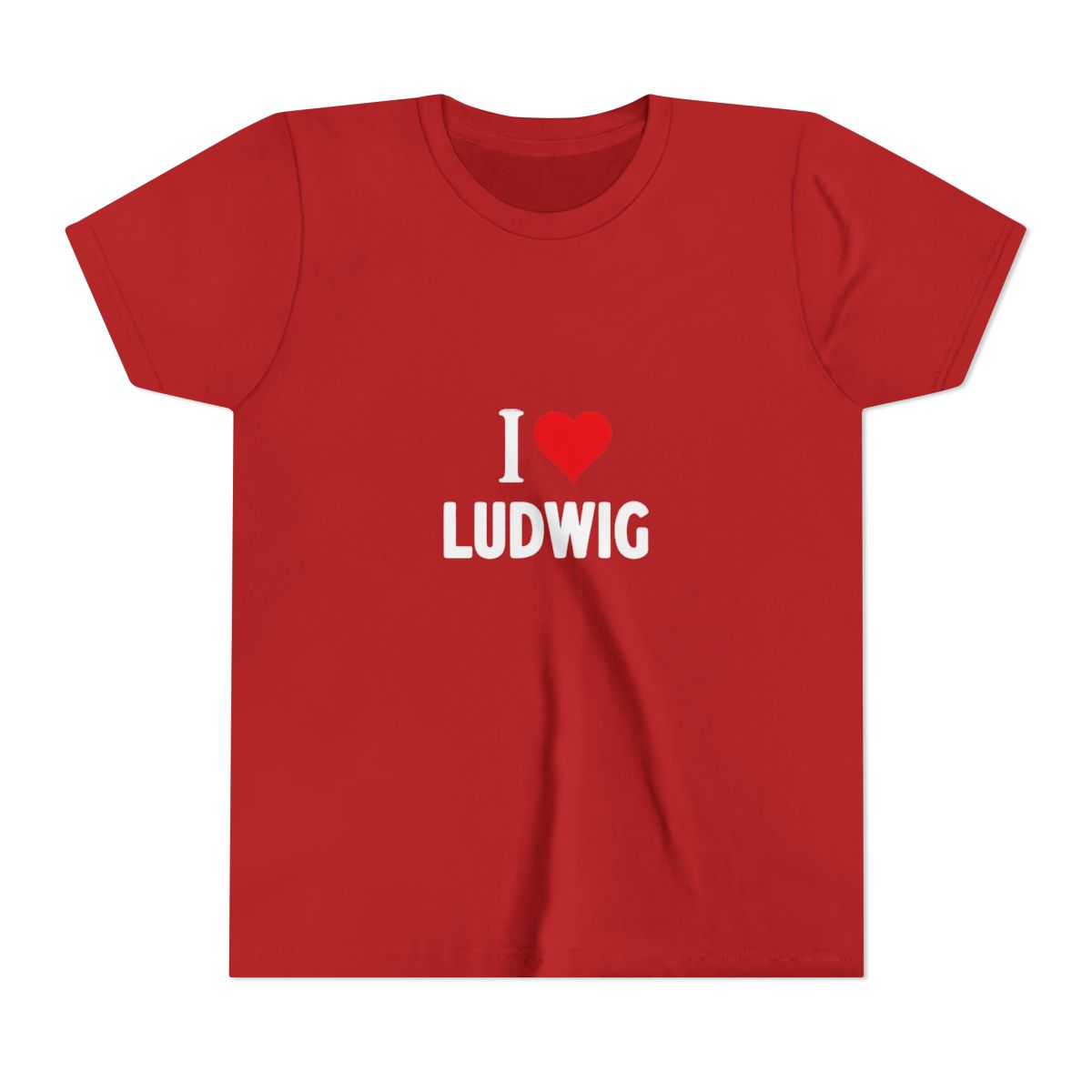
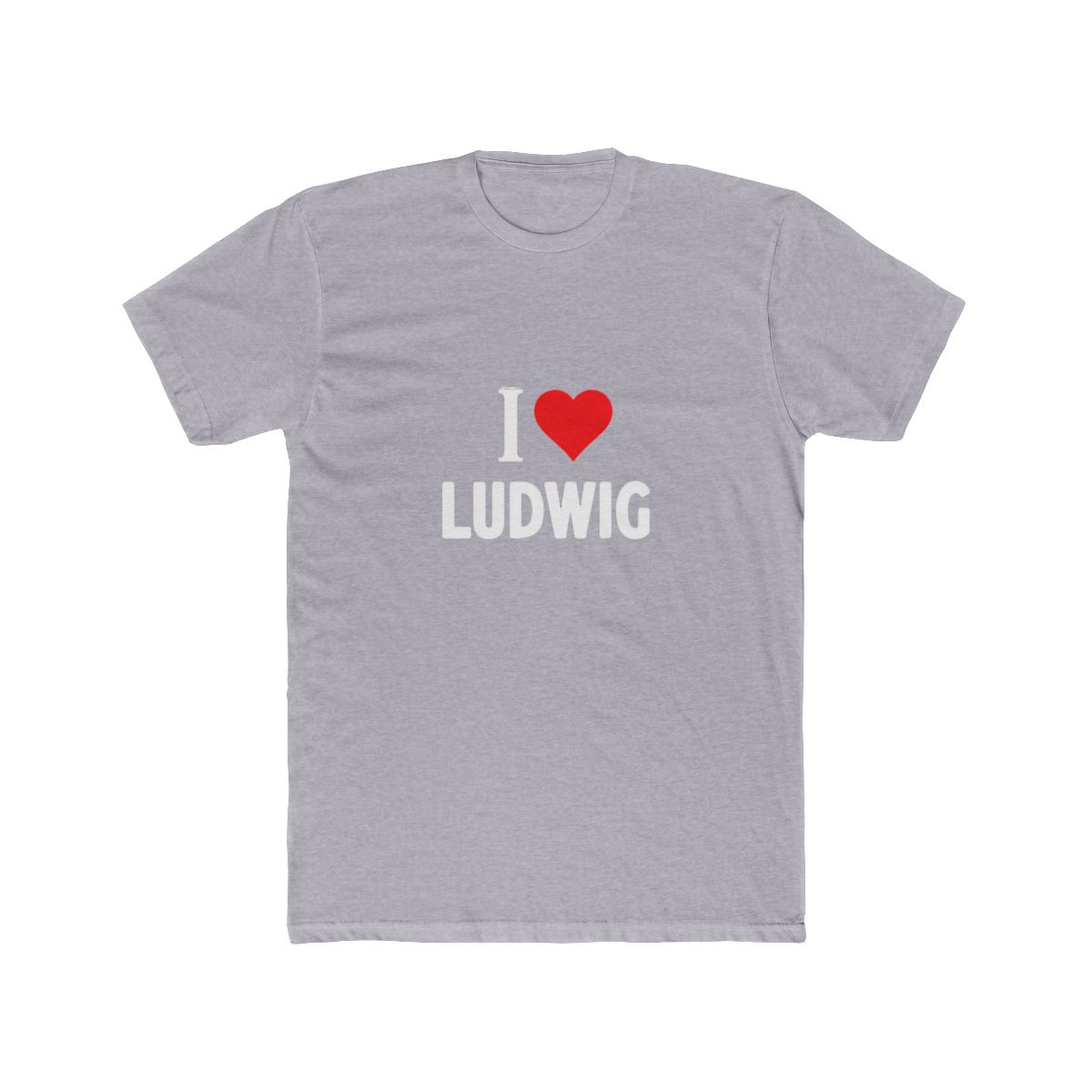
Each drop features exclusive designs tied to Ludwig's biggest moments - like the "Mogul Moves" logo tees or the iconic "Sweat" hoodie. The scarcity is intentional: fewer units keep each piece special. But for buyers, that creates a race. Staying updated is not a luxury - it's a necessity.
| Pick | Best For | Key Feature | Price Range |
|---|---|---|---|
| Twitter / X notifications | Speed | Real-time tweet alerts | Free |
| Discord server | Community + early info | Direct access to mod announcements | Free |
| Email subscription | Reliability | Store-only updates, no spam | Free |
| Third-party stock tools | Backup | Avoids platform lags | Free to $5/mo |
| Browser push notifications | Convenience | Works across devices | Free |
Step 1: Follow Ludwig on Twitter and Instagram
Ludwig's primary announcement channel is X (formerly Twitter) at @ludwigahgren. He typically posts a teaser 24-48 hours before a drop, then a "live" tweet when the store opens. Enable notifications for his account so every tweet pushes to your phone. On Instagram, follow @ludwigahgren for visual previews of designs.
Pro tip: Turn on tweet notifications but disable retweets and replies to avoid clutter. Go to his profile, tap the bell icon, and select "All tweets." This ensures you see the drop tweet first, not the replies celebrating sold-out sizes.
Step 2: Join the Mogul Moves Discord server
The Mogul Moves Discord is the most active community hub. Announcements are posted in a dedicated channel before any other platform. Moderators often share exact drop times, previews of new designs, and restock information. To join, use the link usually shared in Ludwig's Twitch panels or YouTube descriptions.
Common mistake: Relying on Discord notifications alone without setting them correctly. By default, servers mute notifications. Open the server settings and enable "All Messages" for the #announcements channel so you get pings directly.
Step 3: Subscribe to the Ludwig merchandise mailing list
The official store newsletter is the most reliable alert method. It's immune to algorithm changes and platform downtime. Head to the Ludwig & Mogul Merch store homepage and find the email signup form near the footer. Subscribers get an email 1-2 hours before each drop with a direct link to the collection.
In my experience, the newsletter has the best timing - you'll know exactly when to be ready. One caveat: it's transactional, not social. You won't see design sneak peeks here, just drop announcements.
Step 4: Use third-party stock alert tools
Sometimes platforms delay notifications. Twitter can throttle alerts if you follow too many accounts. For the paranoid (or the prepared), third-party tools like Distill Web Monitor or Visualping can watch the store page for changes. Set them to check every minute, and they'll blast you an email or SMS when a product page goes live.
These tools cost $0-$5/month for premium features. They're not necessary for every drop, but if you're a collector or reseller, they provide a second layer of security. I recommend Distill because it runs in the browser and triggers instant desktop notifications.
Step 5: Set up browser push notifications
If you're already on the Ludwig store website, enable push notifications. Most modern browsers (Chrome, Firefox, Edge) prompt you to allow notifications from the site. Accept it. When the store updates with new products, you'll get a pop-up even if you're not on the tab.
Common mistake: Dismissing the prompt without reading it. Next time you visit the store, check your browser's address bar for a lock icon or notification bell. Click it and enable notifications manually. This is especially useful if you're working in another window and can't keep eyes on social feeds.
Common Mistakes to Avoid
- Relying on a single source: Twitter, Discord, email - each has potential blind spots. Use at least two channels simultaneously. If servers go down or an algorithm changes, you have a backup.
- Forgetting to update notification settings: After a drop, you might mute alerts. Come release season, re-enable them. The best alert is useless if you turned it off.
- Not checking spam folders: Email alerts sometimes land in spam. Whitelist the store's email domain to ensure delivery.
- Overlooking time zones: Ludwig's drops often happen around noon Pacific. If you're in a different zone, set a parallel alarm to remind you 10 minutes before the expected window.
Pro Tips from the Community
1. Use a dedicated Twitter list. Create a private list with Ludwig, Mogul Moves, and known reseller accounts. Check the list feed during drop windows to see all relevant tweets in one place. 2. Enable SMS alerts from the newsletter. Some email providers allow you to forward specific senders to your phone as text messages. Set that up for the store's email address. 3. Join a community group buy. There are small Discord subgroups where members remind each other about drops. Search for "Ludwig merch watch" servers. Share alerts and help each other checkout faster. 4. Use a browser extension for auto-refresh. Extensions like Auto Refresh Plus can reload the store page every 30 seconds on drop day. But be careful - too many requests might get you blocked. Set a 10-second minimum interval.
FAQ
How do I know when a Ludwig merch drop is happening?
Ludwig announces drops on Twitter, Discord, and email. The most reliable is his email newsletter, which sends alerts 1-2 hours before launch.Do Ludwig merch items restock?
Some items have limited restocks, but most drops are one-time runs. Check the store's social media for restock announcements.What's the fastest way to get a drop notification?
Twitter with notifications enabled gives the fastest real-time alert. For the most reliable, use the email newsletter.Can I get alerts on my phone without Twitter?
Yes, subscribe to the email newsletter and forward notifications to SMS, or enable push notifications from the store website on mobile Chrome.Are there any apps specifically for Ludwig merch alerts?
No dedicated app exists. Use a third-party web monitor like Distill Web Monitor to watch the store page for changes.Key Takeaways
- Use multiple alert channels - Twitter, Discord, and email - to ensure you never miss a drop.
- Enable push notifications from the official store website for instant desktop alerts.
- Third-party tools like Distill provide extra reliability, especially during high-demand releases.
- Customize each platform's notification settings to filter out noise and focus on drop announcements.
- Plan ahead by setting up alerts at least 24 hours before a scheduled drop window.
Related Posts
undefined
Ludwig & Mogul Merch Back to School Gear Guide 2026
Get ready for the semester with the best Ludwig & Mogul Merch back to school gear. We break down the...
undefinedGamer Merch Gift Guide 2026: Ludwig & Mogul Merch for Every Fan
From the Classic Tee to the Premium Hoodie, this 2026 gift guide breaks down the best Ludwig & Mogul...
undefinedLudwig Mogul Merch for Your Home Office Setup in 2026
Transform your home office with Ludwig and Mogul inspired gear. From tees and hoodies to desk access...
Shop Ludwig & Mogul Merch Merch
Official merchandise — premium quality, designed for the community.